One Website for Several Vacation Rentals: How to Set It Up
Updated October 30th, 20265 min read
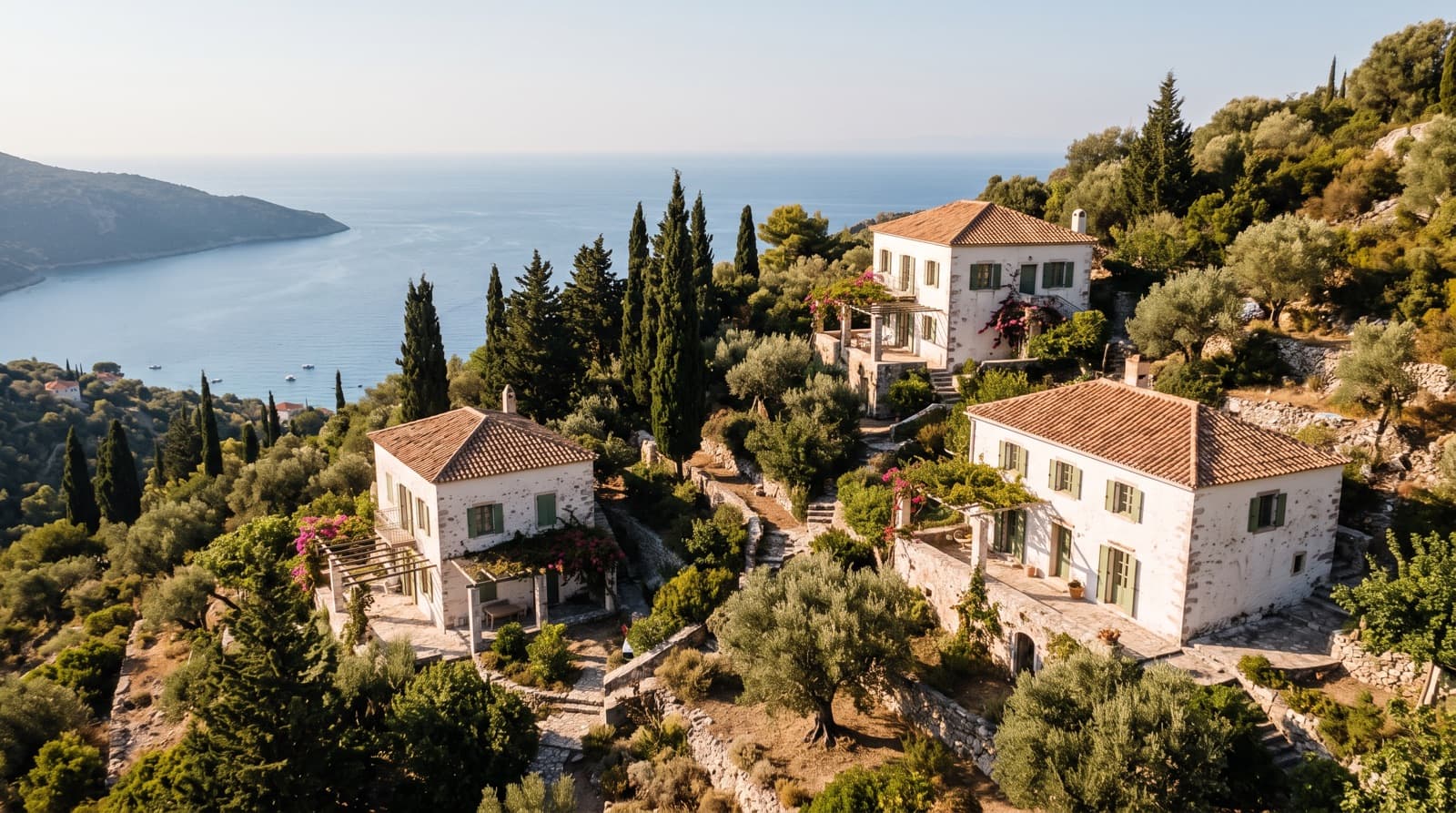
If you have more than one rental, the best setup for most hosts is both: a page for each property, and one site under your name that lists them all with a date search. A guest who knows you can see everything that's free on their dates, and a guest who only cares about one place gets a page just for it. Separate unconnected sites suit you only when the properties have nothing in common.
The problem with a page per property and nothing else
Many booking tools give you one page per listing, which works until a guest asks, "Do you have anything else on those dates?" Then you're back to checking calendars by hand and sending links in a chat.
Hosts in the groups we read kept raising this, especially those with properties in different towns. Here's what a shared site fixes:
- Lost bookings. If the place a guest wanted is taken, they can see your others instead of leaving.
- Repeat guests. A guest who stayed at the seaside flat may want your mountain house next winter, and only a shared site shows them it.
- Your name. You've got one address for your business card, social profiles and local listings, rather than five.
One site, several sites, or both?
| Setup | Best when | Watch out for |
|---|---|---|
| One site with a page per property | Same owner and same standard, or the same kind of guest | Properties need clear, separate descriptions |
| Separate sites | Very different brands, such as a budget hostel and a luxury villa, or different owners | More to maintain and promote, and no cross-selling |
| Property pages only | One or two places you share one link at a time | Guests can't browse what else you have |
What guests need from a multi-property site
A date search across properties. This is the core of it. Enter dates and the number of guests, and see what's actually free, with the total price. A list of photos that sends guests into each calendar in turn loses people.
Honest totals. Show the price for those dates including fees. A "from" price that doubles at the last step is a common reason people leave.
Each property's own page. Its own photos, description, house rules, reviews and calendar. Its map and policies shouldn't blur together with the others.
A clear idea of who you are. Your name and photo, how long you've been hosting, and how to reach you. It's where a guest decides whether to trust a site they've never seen.
Sensible mobile layout. Most people will first see it from a shared link on a phone.
What about search engines?
We looked for an official Google statement on one brand site versus a page for each property, and didn't find one. The nearest thing is its spam policy on doorway pages, which condemns pages made for cities or regions that funnel to one destination. That isn't the same as real pages for real properties, each with its own content.
So make every property page stand on its own, with original text and photos, and don't create thin pages for towns you don't really serve. Anything more confident than that is opinion. Remember too that your first guests are unlikely to come from search anyway.
Own domain or a subdomain?
A domain you own, such as yourstays.com, looks more established and stays yours if you change tools. A subdomain from your tool, such as yourstays.opensty.com, is free and works straight away. A subdomain's fine to start with, and you can move later. If you do, keep the old address working, because it's already on cards and in old messages.
What it should cost
Website builders price this in very different ways, so compare the total for your number of properties, including:
- The price per property, and whether there's a minimum.
- Which plan includes a website at all.
- Any percentage on bookings. Our PMS fee comparison has the numbers.
- Whether your own domain costs extra.
Setting it up in OpenSty
- Publish your properties. Each has its own page at your-property.opensty.com.
- Choose a site address in your settings, such as yourstays.opensty.com, and the name to show. It's one site for all your published properties.
- Share it. Guests can search by dates and number of guests, and they see what's free with the total for their stay. They click through to the property to send a request.
- Connect your own domain if you like. Each property can have one on any plan. One domain for the whole site is part of the Pro and Agency plans.
Pro covers up to 5 properties and Agency up to 50. Agency also adds team members, with access to all properties or selected ones.
The limits: site design is fixed, with no custom pages or blog. Every booking is still a request you confirm, and each property has its own calendar, prices and rules. If you want a fully designed website with many pages, a builder like Lodgify may suit you better. See our guide to booking website builders.
Common questions
Can one vacation rental website have multiple properties?
Yes. Most booking tools support it, though some limit it by plan. Look for a date search across properties rather than a plain list.
Should each vacation rental have its own website?
Usually not on its own. A page per property under one site gives you both a focused link for each and a way for guests to see the rest. Separate sites suit different brands or different owners.
Do I need a separate domain for each property?
No. One domain for your whole site is enough for most hosts, and you can add one per property if a place has its own well-known name.
Can properties in different towns share a website?
Yes, if they share an owner and guests can trust the same name. Make each location clear on its page and in the date search.
How much does a multi-property booking site cost?
It varies widely, and you should check for percentage fees and the per-property price. OpenSty's Pro plan is €29 a month for up to 5 properties, with no commission from us. Stripe's fee applies if you take cards.