How to Avoid Double Bookings Across Airbnb & Booking
Aggiornato il 22 ottobre 20267 min di lettura
Questa guida è al momento disponibile solo in inglese.
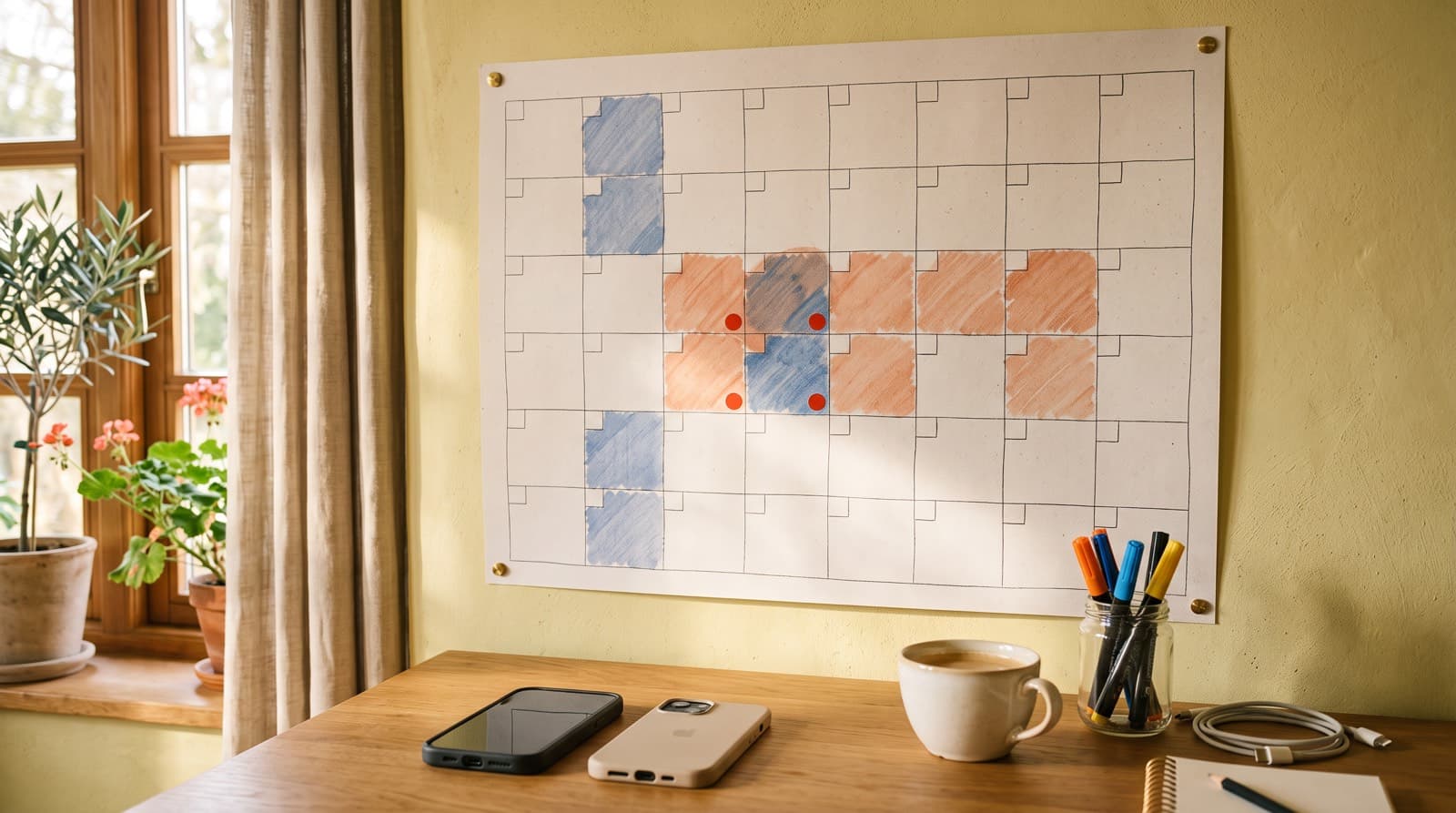
To avoid double bookings across Airbnb, Booking.com and your own booking page, connect every calendar to every other calendar with iCal sync, and add a small buffer for the delay between syncs. Sync handles almost every case. The buffer and a quick manual check cover the rest.
Double bookings are the number one reason hosts hesitate to add a second platform or a direct booking channel. The good news: with a sensible setup they are rare, and when one does slip through, a fast and honest response limits the damage. This guide explains how calendar sync works, how to set it up, and how to protect yourself during the gaps.
How iCal calendar sync works
iCal is a standard file format for calendars. Almost every booking platform can export your calendar as an iCal link and import calendars from other places using their iCal links.
Each link is one-way:
- The export link publishes your bookings and blocked dates from one platform, so others can read them.
- The import field is where you paste another platform's export link, so its bookings block your dates here.
Two-way sync is simply two one-way feeds. Airbnb imports your Booking.com calendar, and Booking.com imports your Airbnb calendar. Add a third channel, such as your own booking page, and each platform needs to import the other two, or import one central calendar that combines everything.
The catch: sync is not instant
Platforms don't push changes to each other. Each one checks the links it imports on its own schedule. Depending on the platform, an update can show up within minutes or take several hours. Nobody controls that delay except the platform doing the checking.
That window is where double bookings happen. If a guest books on Airbnb at 10:00 and Booking.com only checks your Airbnb calendar at 12:00, someone could book the same dates on Booking.com in between. The fix is not a better link; it's a buffer, which we cover below.
Step-by-step: connect your calendars
The exact menus differ by platform and change over time, but the steps are the same everywhere. Look for calendar settings with names like "sync calendars", "import calendar" or "export calendar".
- Make a list of every channel. Include Airbnb, Booking.com, VRBO, your own booking page, and any personal calendar you use to block dates.
- Copy the export link from each channel. Keep them in a note with clear names, such as "Airbnb – Sea View Apartment".
- Paste each link into the import field of every other channel. Name each imported calendar so you know where blocked dates come from.
- Do it per property. Every listing has its own links. Don't mix up two apartments in the same building.
- Test it. Block a date on one platform, wait a few hours, and check that it appears everywhere else. Then remove the test block.
On OpenSty, you paste your Airbnb, Booking.com or VRBO links into the calendar settings of each property, and copy your OpenSty export link into those platforms. Imported bookings are refreshed every 15 minutes and block the dates on your booking page automatically.
Buffers that cover the sync delay
Because sync has a delay, a few simple rules make the gap almost harmless.
Use request-to-book on your direct page
If direct guests send a request instead of booking instantly, nothing is confirmed until you say yes. That gives you a moment to check all your calendars first. OpenSty works this way by default: every booking request waits for your confirmation, which is a natural safety net against double bookings.
Set a minimum booking notice
Most double bookings involve last-minute stays, when two guests book within hours of each other. A minimum notice of one or two days on your platforms removes most of that risk. You lose a few same-day bookings, but you avoid the worst-case scenario.
Add a same-day cut-off
If you do accept last-minute stays, set a cut-off time for same-day bookings, such as noon. Late-evening bookings for tonight are the hardest to handle if something goes wrong.
Check before you confirm
Before confirming a direct request, open the calendars of your busiest platforms. It takes a minute and catches bookings that haven't synced yet.
Refresh after manual changes
If you block dates by hand or accept a booking by phone, add it to your direct booking page straight away. It will then flow out to every platform through your export link.
What iCal does not sync
iCal only shares which dates are taken. It doesn't carry:
- Prices. Seasonal rates and discounts have to be set on each platform separately.
- Guest details. Names, phone numbers and guest counts stay on the platform where the booking was made.
- Minimum stay rules. A two-night minimum on one platform doesn't automatically apply anywhere else.
- Partial-day information. Check-in and check-out times aren't shared, so same-day turnovers need extra care.
- Pending bookings. Some platforms only export confirmed bookings, not requests that are still waiting.
If you change prices or rules, update them everywhere. Inconsistent rules are not a double-booking risk, but they confuse guests and can look like a bait-and-switch.
iCal sync or a channel manager?
A channel manager is software that connects to platforms through their official integrations instead of iCal. It updates availability much faster and can also sync prices and rules.
| iCal sync | Channel manager | |
|---|---|---|
| Speed | Minutes to hours | Usually near real-time |
| What it syncs | Availability only | Availability, often prices and rules |
| Cost | Usually free | Monthly subscription, often per property |
| Setup | Paste links | Connect accounts, map listings |
| Best for | 1–5 properties, moderate last-minute demand | Many properties, high occupancy, lots of same-day bookings |
For most small hosts, iCal plus the buffers above is enough. Consider a channel manager if you manage many units, run very high occupancy with frequent last-minute bookings, or spend hours a week keeping prices aligned. If you're weighing up tools, our list of direct booking website builders compares both kinds.
What to do if a double booking happens
Even with good sync, it can happen. How you respond matters more than the mistake.
- Act fast. As soon as you notice, decide which booking you can honour. Usually it's the one made first.
- Contact the other guest immediately. Explain honestly, apologise, and don't wait until the day before arrival.
- Offer a real alternative. Suggest a comparable place nearby, ideally one you've arranged with a trusted host friend, and cover any price difference if you can.
- Refund promptly. If the guest booked direct, refund in full straight away. If they booked through a platform, follow that platform's cancellation process.
- Expect platform consequences. Host cancellations can bring fees, a lower search ranking or an automatic review, depending on the platform and its current policies. Check the terms of each platform you use.
- Find the cause. Was a link missing? Was the booking made within the sync window? Fix the setup so it doesn't happen twice.
A weekly calendar checklist
Five minutes a week keeps your calendars trustworthy.
- Open each platform and compare the next four weeks with your booking page.
- Check that every imported calendar was refreshed recently.
- Confirm that blocked dates for cleaning, repairs or personal use appear everywhere.
- After adding a new platform or listing, test the sync with a temporary block.
- Review upcoming last-minute availability and decide whether to open or close it.
When your calendar is reliable, adding a direct channel becomes low-risk. Next steps: set up payments for direct bookings, and read how to get direct bookings for the full plan.
Common questions
How often do Airbnb and Booking.com sync iCal calendars?
Each platform sets its own schedule and doesn't always publish it. Updates can take from a few minutes to several hours. Plan for the slow end and use buffers.
Can I avoid double bookings without a channel manager?
Yes. For one to five properties, iCal sync between all channels, a minimum booking notice and request-to-book on your direct page prevent nearly all double bookings.
Does iCal sync prices too?
No. iCal only shares booked and blocked dates. Prices, discounts and minimum stays must be updated on each platform separately.
What's the most common cause of double bookings?
Usually a missing link: a platform or property that wasn't connected to every other calendar. The second most common cause is two last-minute bookings landing within the sync delay. Our guide to direct booking mistakes covers other setup errors to avoid.